For homeschool and after-school learning

A clearer way to guide learning at home.

Whether you homeschool full-time or help after school, LearnIndex brings checkups, K–12 skills, daily lessons, hands-on experiences and progress into one family-friendly place.

98 of 100 complimentary memberships remain

Complimentary full family access · No credit card required

Plan a homeschool dayDaily curriculum, skills and experiences together
Support learning after schoolFind focused practice without rebuilding the school day
Grow with every childUp to 12 K–12 learner profiles in one account

One flexible learning home

Use the structure you need—not more busywork.

Build a complete homeschool rhythm or choose one focused activity for after school.

01

Start with what your child knows

Use grade-aware Learning Checkups in Mathematics, English, Science and Social Studies to spot strengths and choose useful focus areas. Homeschool families can use the results to shape a plan; after-school families can concentrate on one subject at a time.

Explore Learning Checkups
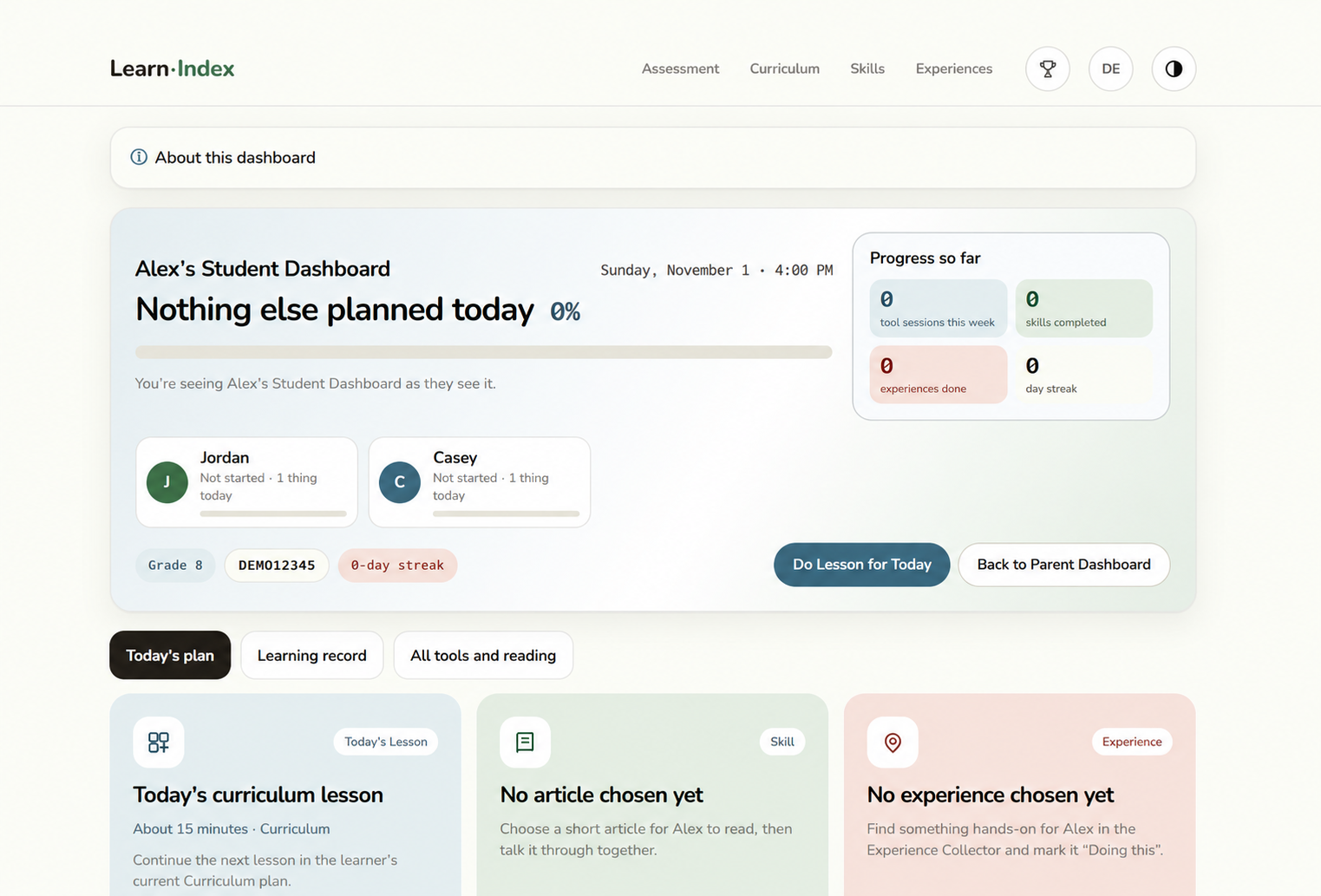
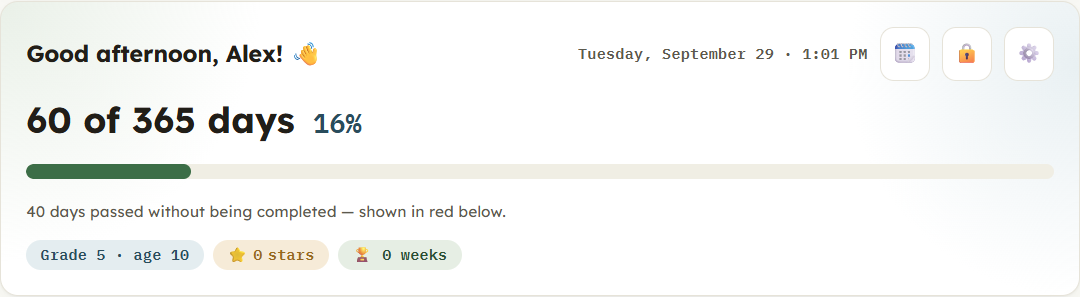
Current demo of a LearnIndex student dashboard and learning progress
02

Follow a plan or pick today’s lesson

The Curriculum Calendar gives homeschool families a visible daily rhythm while still letting you adjust the pace. For after-school support, open the day or subject that fits the time and energy you have.

View Curriculum
Preview of the LearnIndex curriculum calendar
03

Practice the skill that needs attention

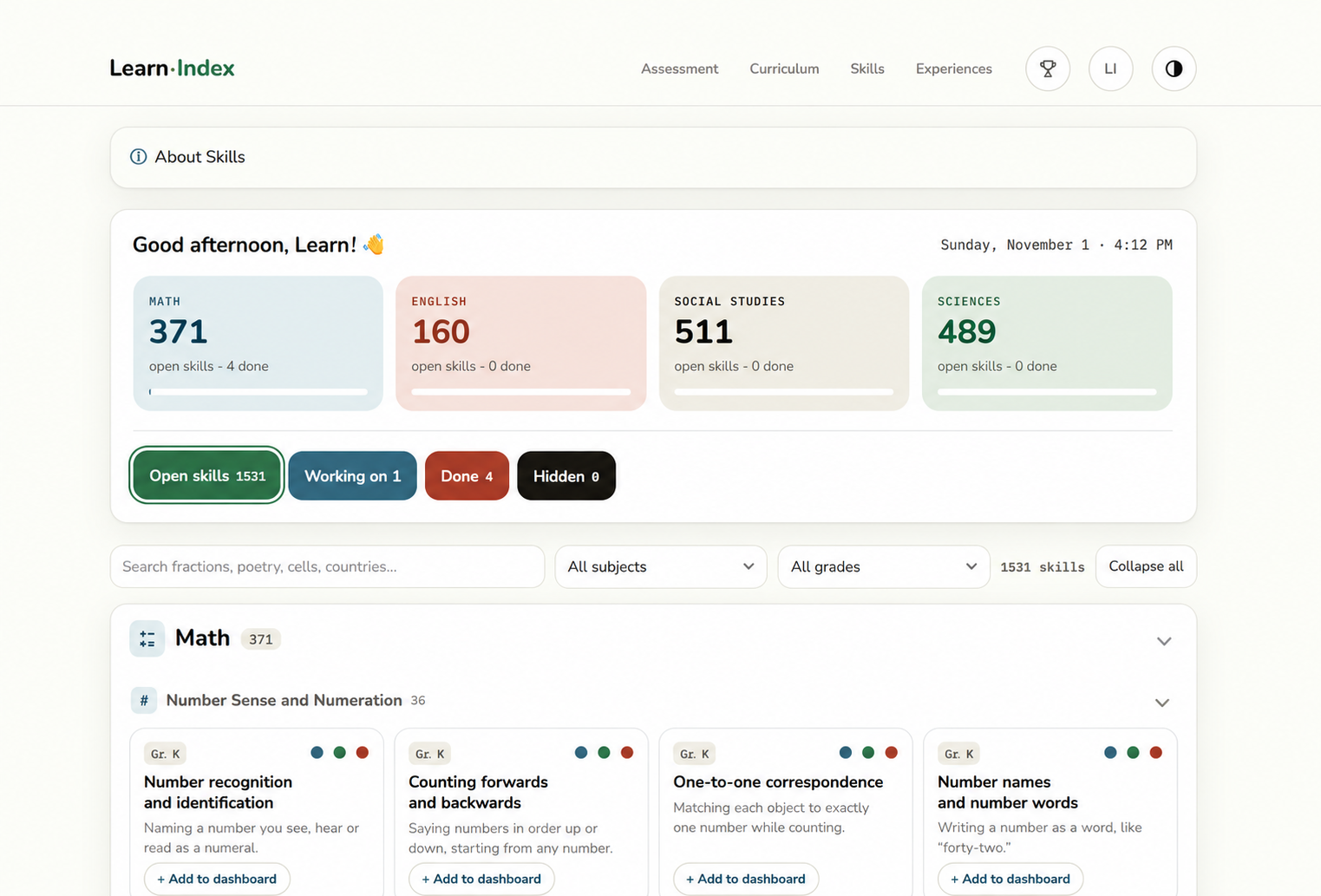
Browse K–12 skills by subject and grade, then open explanations, key words and guided practice. Use Skills as the core of a homeschool lesson or as a short, targeted after-school session.

Browse Skills
Current view of the LearnIndex K–12 Skills library
04

Make real life part of the learning plan

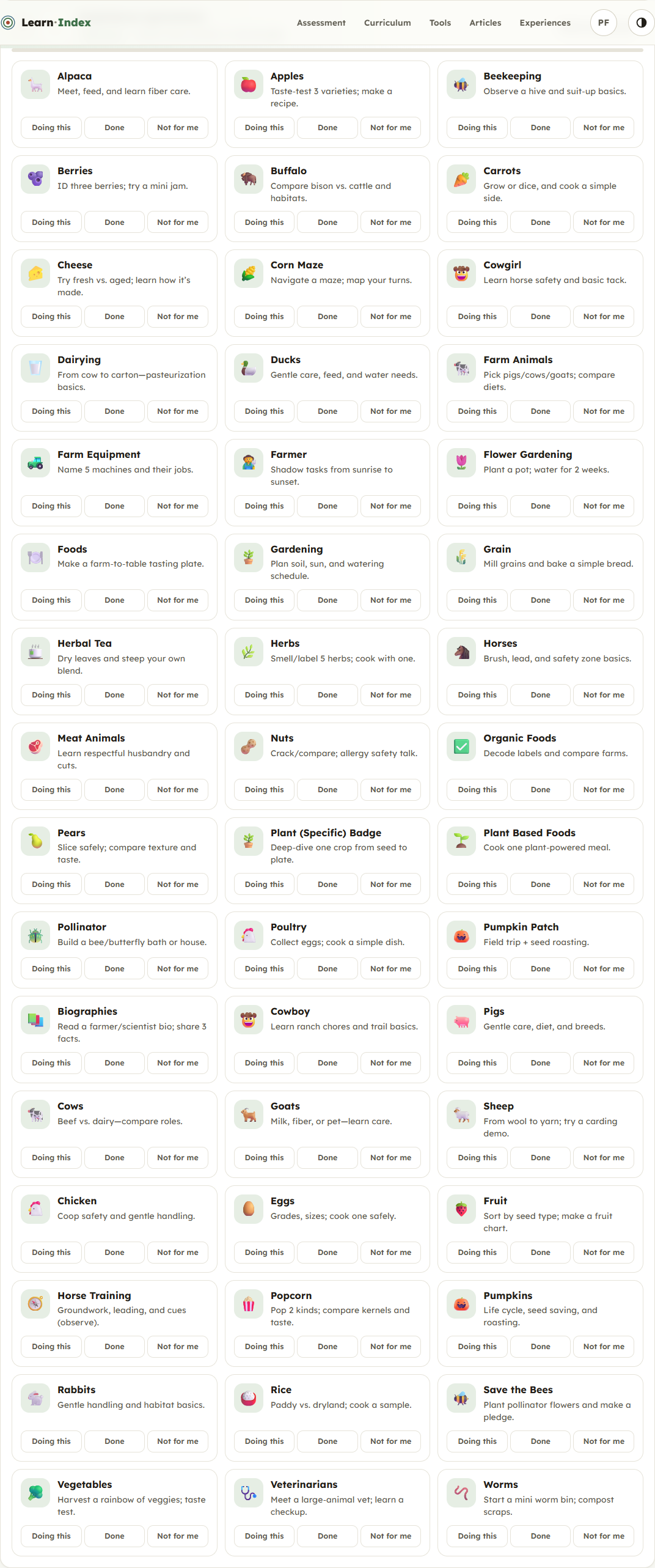
Turn projects, cooking, nature walks, community outings and everyday responsibilities into meaningful experiences. Record what your child did and celebrate progress with stickers, badges, certificates and streaks.

Explore Experiences
Preview of the LearnIndex real-world experience collection
05

Keep every learner visible

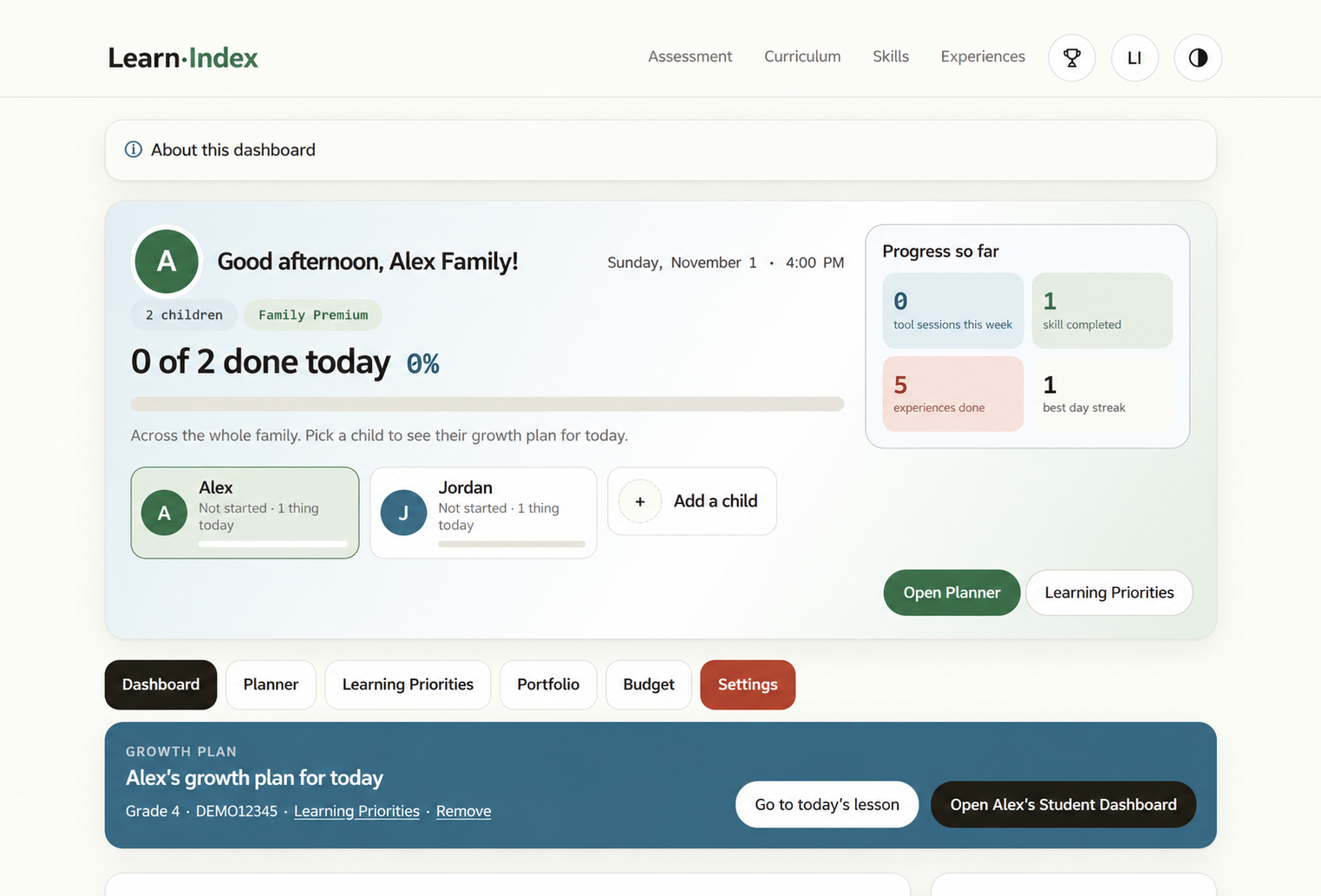
Use one parent dashboard to move between children, review results, plan priorities and see progress. Each child also gets a simple student view, helping independent learners know what to do next.

See the Family Dashboard
Current demo of the LearnIndex parent dashboard

Built for real family routines

Homeschool all day or help for an hour.

Founding Families receive complimentary full family access for up to 12 children and help shape LearnIndex by sharing private feedback as they use it.

Join the Founding Families

Help Centre

Questions families ask

Choose a question to see the answer.

Choosing how to use LearnIndex

Can LearnIndex support a full homeschool program?

LearnIndex gives families checkups, a daily curriculum calendar, K–12 skill practice, real-world experiences and progress tools in one place. Families remain in control of how they adapt those resources to their homeschool approach and local requirements.

Can we use it only for after-school help?

Yes. You can focus on one subject, choose a specific skill or complete a short lesson without following the entire curriculum calendar.

Does it work for more than one child?

Yes. A family account supports up to 12 children, each with their own grade, dashboard, results and learning history.

Getting started

Where should my child begin?

You can begin with a Learning Checkup for a grade-aware snapshot, open the Curriculum Calendar for a planned day, or go directly to Skills when you already know what your child wants to practise.

Does my child need a separate login?

No. Parents can manage learning from the family dashboard. A child login is optional and gives the learner direct access to their own student dashboard.

Founding Family membership

Is a credit card required?

No. Founding Family membership is complimentary and registration does not collect payment details.

What do founding families do?

Use LearnIndex with your family and share private feedback about what works, what is confusing and what should improve.

What happens when all places are claimed?

The founding offer closes automatically and this page switches to a waitlist.

Need something else? Visit the Help Centre or contact us.